One UI 9 Beta and Good Lock: 10 Compatibility Facts You Need to Know
Samsung's One UI 9 beta compatibility list reveals that modules like Dropship, Nice Shot, Edge Touch, Theme Park, and Keys Cafe work, while NavStar, LockStar, and QuickStar are still in development.
If you're a Samsung enthusiast itching to try the One UI 9 beta on your Galaxy S26, there's one big question on your mind: will your carefully curated Good Lock setup survive the upgrade? Samsung recently released a compatibility list that reveals which modules work right now—and which ones still need more development. This article breaks down everything you need to know, from fully functional features to those temporarily unavailable. We'll help you avoid surprises and keep your phone as personalized as possible.
1. What Good Lock Is and Why One UI 9 Matters
Good Lock is Samsung's suite of customization tools that lets you tweak everything from the lock screen to the navigation bar. With each major One UI update, some modules require reworking to align with new system changes. The One UI 9 beta introduces fresh UI elements, animations, and security layers, which can break older Good Lock versions. Samsung has been proactive this time, releasing a compatibility list early so users know what to expect before updating. This transparency helps you decide whether to jump into the beta now or wait for your favorite modules to be ready.
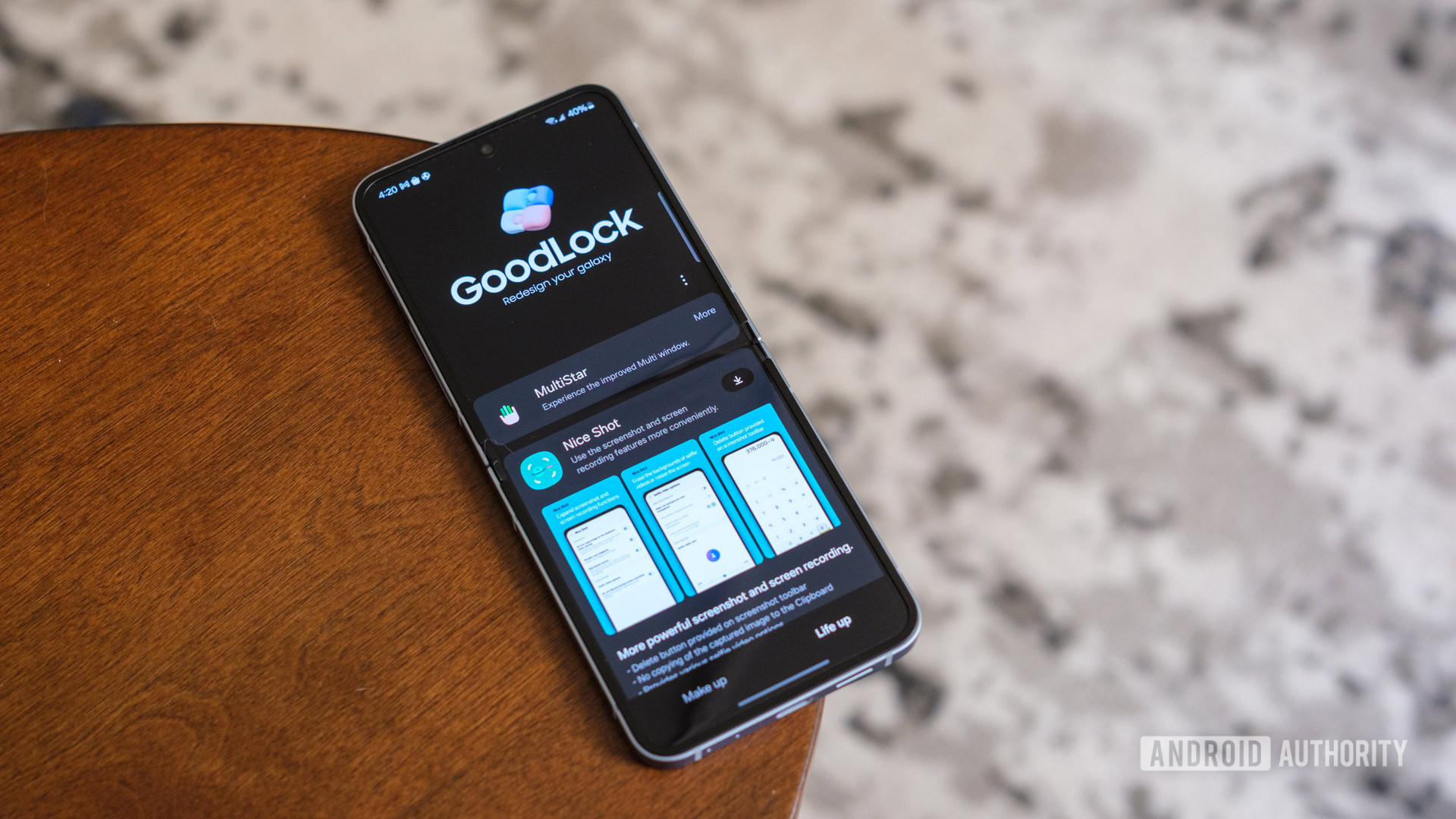
2. Dropship – Fully Compatible
If you rely on Dropship to share files seamlessly between your devices, you're in luck. This module works without a hitch on One UI 9 beta. It allows quick transfers via Wi-Fi Direct, and Samsung has ensured it integrates smoothly with the updated system. Whether you're sending photos, documents, or app data, Dropship remains a reliable tool. No extra steps needed—just update Good Lock and enjoy the same drag-and-drop experience. For those who frequently switch between a phone and tablet, this is a major relief.
3. Nice Shot – Ready for Action
Nice Shot, the module that enhances your screenshot and screen recording capabilities, is also fully compatible. You can still capture scrolling screenshots, edit them on the fly, and record your screen with custom settings. Samsung has confirmed that the underlying APIs haven't changed in ways that break Nice Shot's functionality. That means you can continue to use features like long screenshots for web pages and quick annotations without any hiccups. If you're a power user who documents workflows or shares guides, Nice Shot stays by your side.
4. Edge Touch – Customization Intact
Edge Touch, which lets you fine-tune the sensitivity and behavior of the curved edges of your screen, works flawlessly on One UI 9 beta. This is especially important for those who find the default edge handling too sensitive or not reactive enough. The module still allows you to reject accidental touches, assign gestures, and even set different zones for app shortcuts. Samsung has optimized it to work with the new gesture navigation changes in One UI 9, so you can keep your curved screen personalized and frustration-free.
5. Theme Park – Your Visuals Unchanged
Theme Park, the module that lets you mix and match themes, icons, and fonts, is fully compatible with the beta. You can still create custom themes from scratch or blend elements from existing ones. Samsung has confirmed that the theme engine hasn't been drastically overhauled, so your saved themes should apply without issues. Whether you prefer a dark mode overhaul or a vibrant icon pack, Theme Park gives you the freedom to design your phone's look—even on the bleeding edge of One UI 9.
6. Keys Cafe – Keyboard Customization Works
Keys Cafe, which offers deep customization for Samsung's keyboard, is also on the compatibility list. You can still resize the keyboard, change key layouts, add shortcuts, and even create custom key sounds. Samsung has ensured the module integrates with the updated keyboard input system. If you've spent hours perfecting your typing experience, you won't have to start over. However, note that some experimental features from previous updates might not carry over immediately, but core functionality remains solid.
7. NavStar – Still in Development
NavStar, the module that customizes the navigation bar and gestures, is not yet compatible with One UI 9 beta. Samsung lists it as 'in development,' meaning you'll need to revert to the default navigation setup if you install the beta. This affects features like changing the order of buttons, adding extra gestures, or adjusting the bar's transparency. If NavStar is essential to your daily workflow, you might want to hold off on updating until Samsung releases an updated version. Check Samsung's official Good Lab forum for progress updates.
8. LockStar – Patience Required
LockStar, which lets you customize the lock screen with shortcuts, clock styles, and notification layouts, is also under development for One UI 9. This means your custom lock screen might revert to the default until an update lands. Samsung is likely retooling LockStar to work with new lock screen features in One UI 9, such as enhanced widgets and dynamic wallpapers. If you rely on LockStar for quick access to apps or a unique clock face, you'll have to wait. In the meantime, you can use the built-in lock screen customization options as a stopgap.
9. QuickStar – Incompatible for Now
QuickStar, which customizes the Quick Settings panel and notification shade, is not yet working on the beta. This is a significant loss for those who love to rearrange toggles, change the color scheme, or add extra brightness sliders. Samsung's team is actively working on compatibility, but no release date has been given. Until then, you'll see the stock One UI 9 Quick Settings, which have a new layout and improved media controls. While functional, you may miss the extra personalization QuickStar provides.
10. What to Expect Next and How to Stay Updated
Samsung has promised regular updates to Good Lock modules as the One UI 9 beta progresses. Keep an eye on the Galaxy Store's Good Lock section and the Samsung Members app for module updates. You can also join the Good Lab community to report issues and get early word on fixes. If you're considering installing the beta, weigh the loss of modules like NavStar, LockStar, and QuickStar against the gains of new One UI 9 features. For many, the core compatibility of Dropship, Nice Shot, Edge Touch, Theme Park, and Keys Cafe is enough to make the jump worth it.
Conclusion: Upgrading to One UI 9 beta doesn't have to be a leap of faith. With Samsung's compatibility list, you know exactly which Good Lock modules work and which are still in the works. Whether you prioritize customization or crave the latest Android experience, this guide helps you make an informed decision. Keep checking for updates—your favorite modules may soon be ready.